
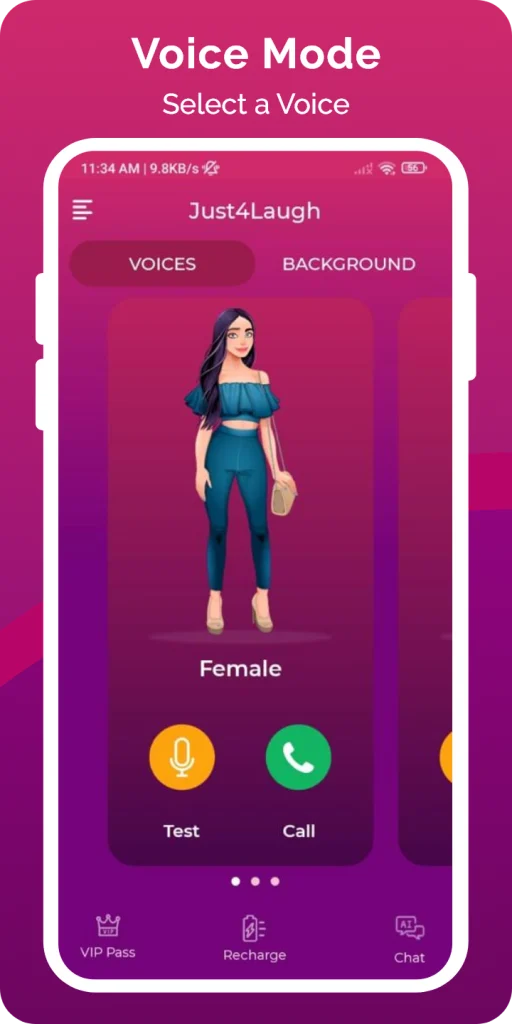
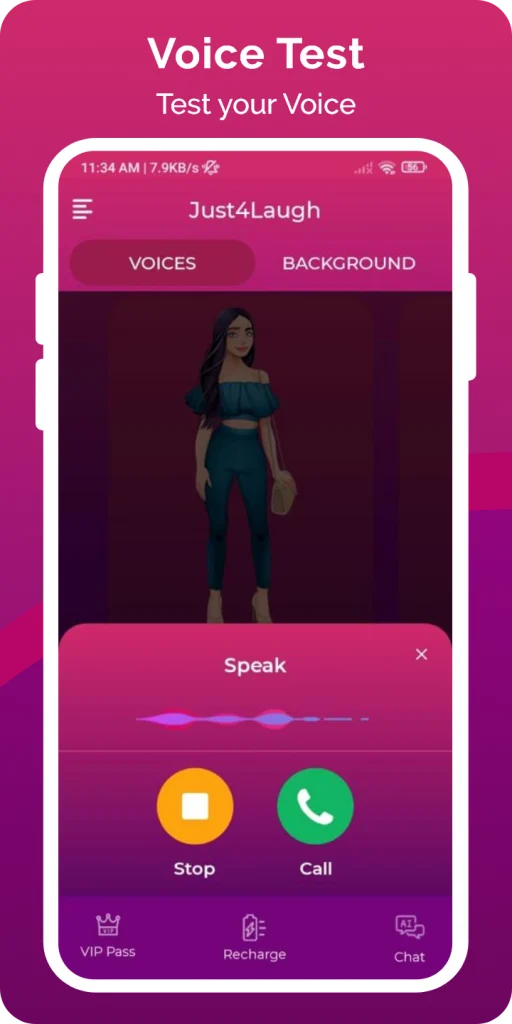
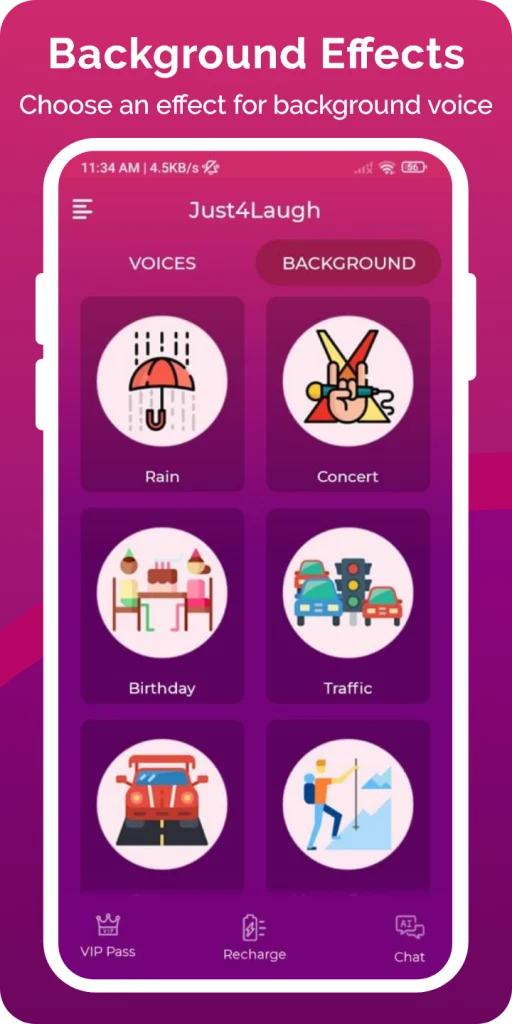
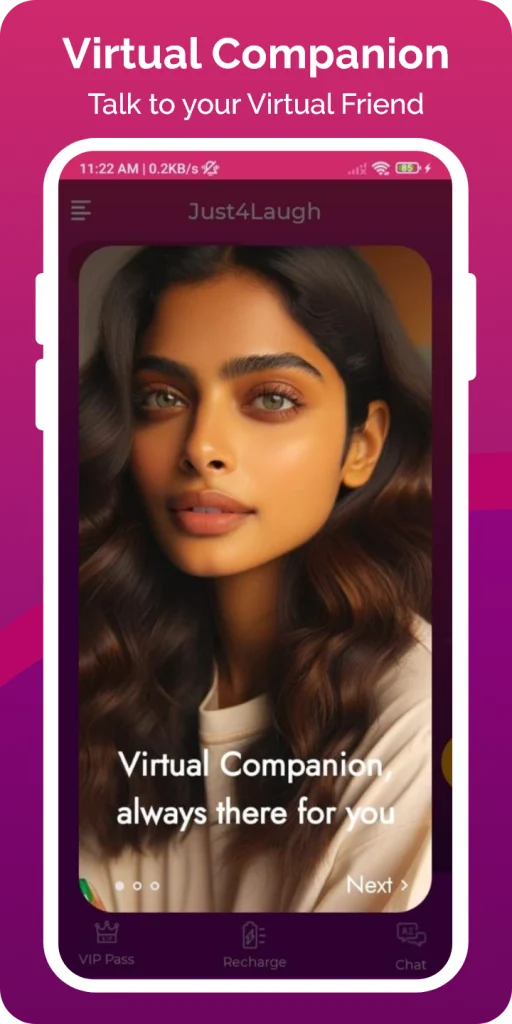
Have you ever wanted to make a regular phone conversation more entertaining by changing your voice? A familiar voice can sound completely different with the right audio effect, turning an ordinary recording into something funny or unexpected. That is the kind of entertainment people look for in a voice changer app. The Just4Laugh Mod APK is a topic of interest for users who enjoy experimenting with voice effects and creating humorous audio content.
Whether someone wants to add a playful twist to a recording, entertain friends or explore different voice styles, a voice-changing application can make these activities more enjoyable. However, understanding its features, compatibility and privacy considerations is just as important as knowing what it can do.
Make Ordinary Voice Recordings More Entertaining
A voice changer gives users a way to modify how their recorded voice sounds. Depending on the effects available, a normal recording might take on a deeper tone, a higher pitch or a more unusual character. These changes can make short audio clips suitable for jokes, social media content and casual entertainment.
For someone exploring Just4Laugh Voice Changer App, the main attraction is the possibility of turning simple voice recordings into something more amusing. Instead of relying on complicated audio editing software, users can look for an application that makes voice effects accessible through a straightforward interface.
The quality of the final recording depends on several factors, including the original audio, microphone quality and the way an effect processes the sound. A quiet recording with clear speech generally provides a better starting point than audio captured in a noisy environment.
Voice Effects That Can Change the Mood of a Recording
Voice effects are useful because small changes in pitch and tone can completely alter how a message sounds. Different effects can also suit different types of entertainment. Some common voice-changing effects found in this category of applications include:
- Deep voice effects: Make a normal voice sound lower and heavier, creating a different speaking style.
- High-pitched effects: Give recordings a lighter and more exaggerated sound.
- Character-style voices: Modify speech to create playful or unusual audio personalities.
- Echo effects: Add an additional layer of sound that creates a spacious recording effect.
- Robot-style effects: Give speech an artificial, electronic character.
- Pitch adjustment: Change the perceived highness or lowness of a recorded voice.
These are common possibilities in voice changer applications, not a verified feature list for Just4Laugh. Users should check the actual application listing to confirm which effects are available before downloading it.
Where Can You Use a Voice Changer?
A voice changer can be useful in several everyday entertainment situations. Its usefulness depends on the available recording and sharing options rather than the effects alone.
Creating Funny Audio Clips
Short recordings are a simple way to experiment with different voices. Users can record a sentence, apply an effect and share the result with friends. A familiar phrase can become much more entertaining when delivered in an unexpected voice.
Making Social Media Content
Creators who publish short videos or humorous posts may use modified audio as part of their content. A changed voice can help distinguish one character from another or add variety to a short video. Before publishing, users should check whether the application allows audio exports in a format supported by their editing software.
Entertainment With Friends
Voice effects can add an extra element to group activities. Friends can exchange funny recordings, create fictional characters or use different speaking styles during casual entertainment. The best results usually come from keeping the activity light-hearted and ensuring everyone involved is comfortable with the joke.
What Should You Check Before Installing Just4Laugh Mod APK?
An application’s name and promotional images do not tell you everything about its actual performance. Before installing Just4Laugh Voice Changer App, consider a few practical details.
1. Available voice effects
Check the official app description and screenshots to understand which effects are included. Do not assume that every popular voice filter is available.
2. Recording and saving options
An application may allow users to modify audio without offering convenient export options. Check whether recordings can be saved locally or shared with other applications.
3. Ease of navigation
A simple interface makes it easier to record speech, select an effect and listen to the result. Too many unnecessary steps can make an otherwise useful entertainment app frustrating.
4. Device compatibility
Check the supported Android or iOS versions, depending on your device. Also review storage requirements and any additional permissions requested during installation.
5. Privacy permissions
Microphone access may be necessary for recording voice clips. However, users should understand why an application requests access to contacts, storage or other device information. Avoid providing permissions that do not appear relevant to its purpose.
Can a Voice Changer Modify Your Voice During Live Calls?
This is one of the most important differences to understand when choosing a voice-changing application. Some apps modify prerecorded audio, while others are designed to process sound in real time. These functions are not interchangeable.
A recording-based voice changer lets users capture speech, apply an effect and listen to the modified result. A live voice changer needs additional functionality to process audio while someone is speaking. It may also require compatibility with the calling platform.
Therefore, users should not assume that Just4Laugh supports live phone calls simply because it is described as a voice changer. Check its official feature description before expecting real-time voice modification. You can also download Facer Mod APK.
Common Problems That Can Affect Voice Effects
Even a well-designed voice effect may produce disappointing results if the original recording is unclear. Background conversations, traffic noise and microphone distortion can interfere with audio processing.
A few simple adjustments can improve the overall result:
- Record in a quiet room to reduce unwanted background sounds.
- Keep a consistent distance from the microphone.
- Speak clearly instead of rushing through sentences.
- Listen to the original recording before applying an effect.
- Avoid excessive volume changes that make speech difficult to understand.
- Save an original copy before editing so you can compare different versions.
If an effect sounds unnatural or makes words difficult to recognise, try another setting rather than repeatedly increasing its intensity.
Is Just4Laugh Voice Changer App Worth Exploring?
The answer depends on what you expect from a voice-changing application. Someone interested in creating humorous recordings may find this category useful, while a content creator might need more advanced audio editing and export controls. Users looking for live-call voice modification should verify that capability separately.
It is also worth checking the application’s developer information, recent update history, user feedback and privacy policy. These details can provide a better understanding of its reliability than promotional claims alone.
A voice changer should make audio experimentation enjoyable without creating unnecessary privacy or compatibility concerns. Before choosing Just4Laugh Mod APK, confirm its actual features and test whether its recording options match your intended use. A little checking beforehand can help you choose an application that fits your entertainment needs without expecting features it may not provide.